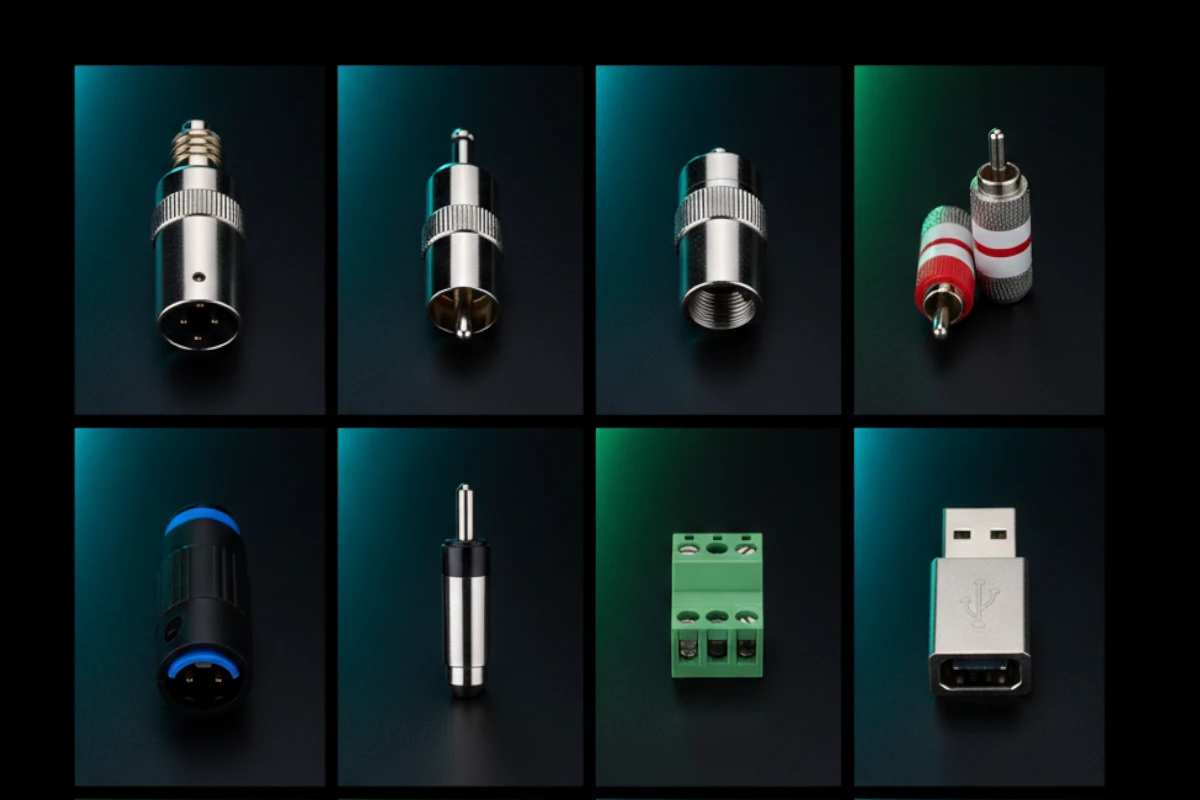
3-pin XLR: Most common for microphones and professional audio
4-pin XLR: Used for headphones and some microphones
5-pin XLR: Used for DMX lighting and some audio applications
Pin configuration (3-pin):
Pin 1: Ground
Pin 2: Hot (positive signal)
Pin 3: Cold (negative signal)
Features:
Locking mechanism
Professional standard
Works for long cables
Reduces noise
Used for microphones and professional connections.
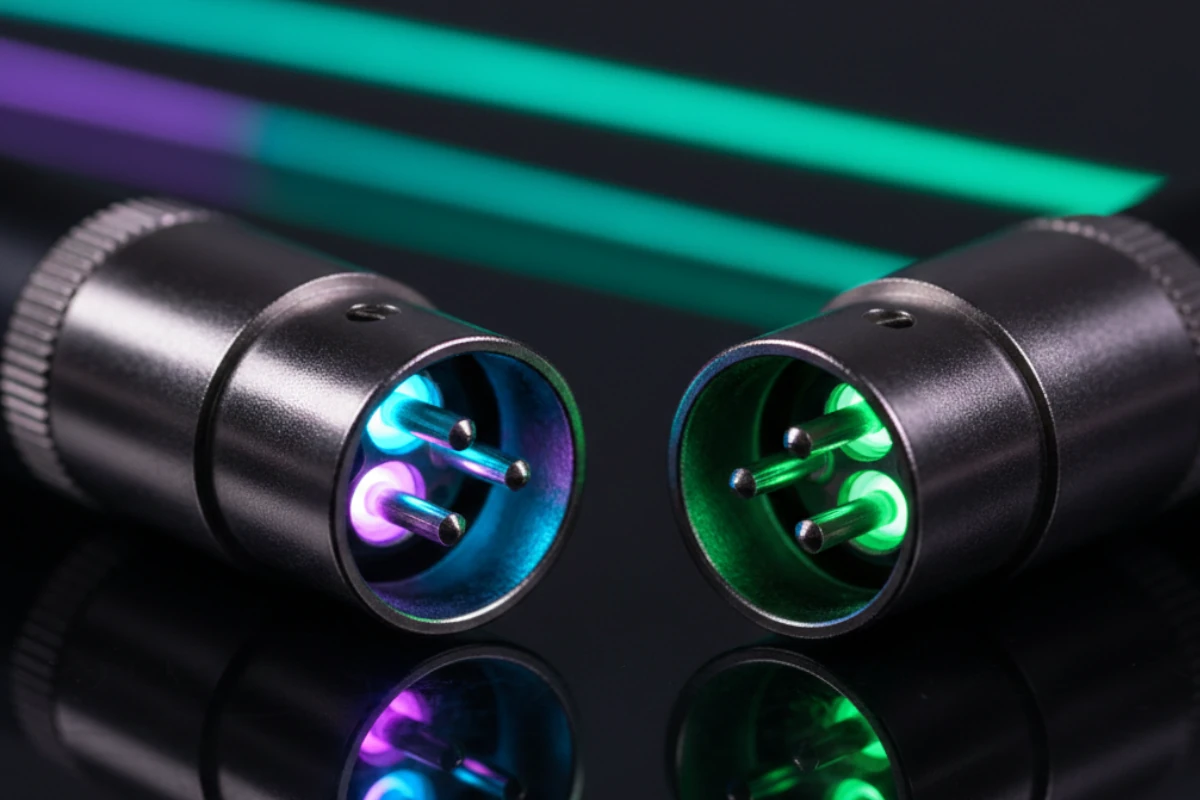
XLR connector
TRS Connectors (Tip-Ring-Sleeve)
What: Can carry balanced or unbalanced audio. Three contacts.
Configuration:
Tip: Signal (or hot for balanced)
Ring: Return (or cold for balanced)
Sleeve: Ground
Uses:
Balanced line-level audio
Unbalanced stereo audio
Headphone connections
Insert points on mixers
Sizes:
1/4" TRS: Professional equipment
1/8" (3.5mm) TRS: Consumer devices, headphones
Used for line-level balanced connections.
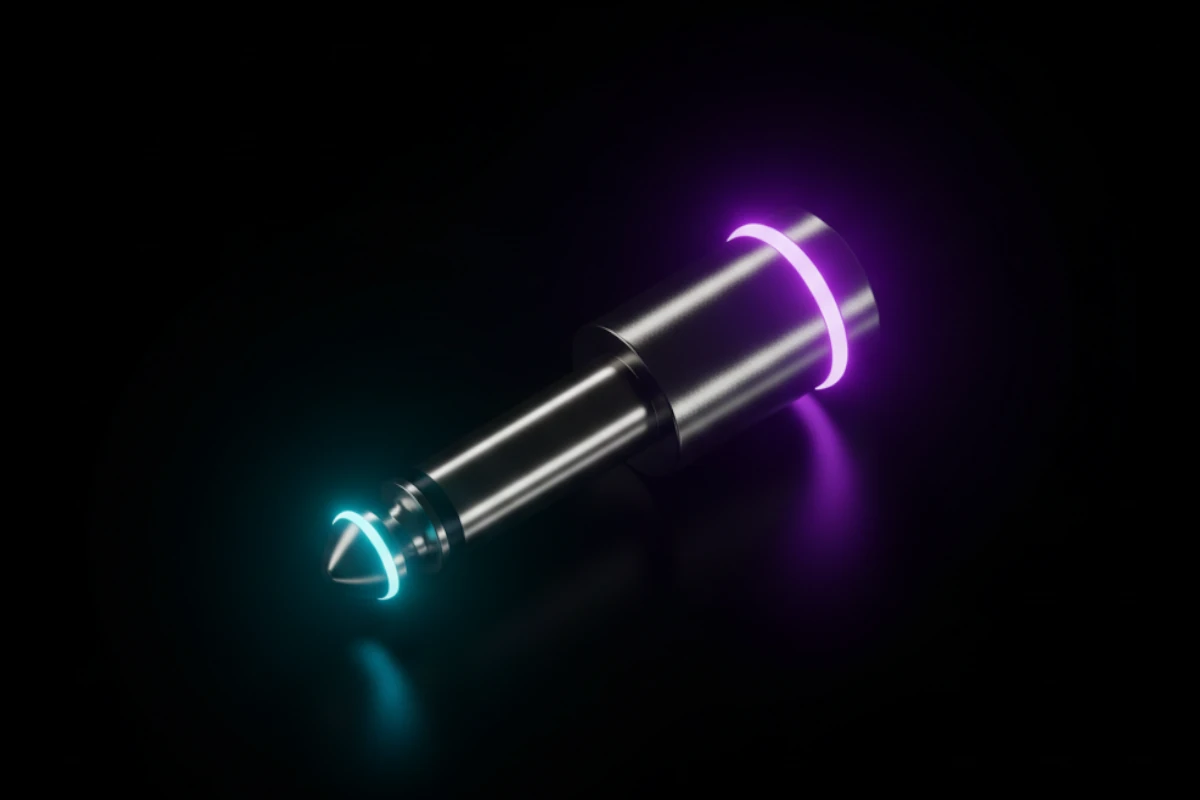
TRS connector
When to use balanced connectors:
XLR:
Microphones
Long cable runs
Professional installations
When noise is a problem
TRS:
Line-level balanced audio
Mixer insert points
Headphone outputs
Professional equipment
Choose based on your needs.
Unbalanced Connectors (TS, RCA)
Unbalanced connectors are simpler. Here's when to use them.
TS Connectors (Tip-Sleeve)
What: Two contacts for unbalanced audio only.
Configuration:
Tip: Signal
Sleeve: Ground
Uses:
Guitar cables
Instrument connections
Short cable runs
Consumer equipment
Sizes:
1/4" TS: Instruments, amplifiers
1/8" (3.5mm) TS: Consumer devices
Limitations:
Picks up noise easily
Not for long runs
Susceptible to interference
Used for short connections only.
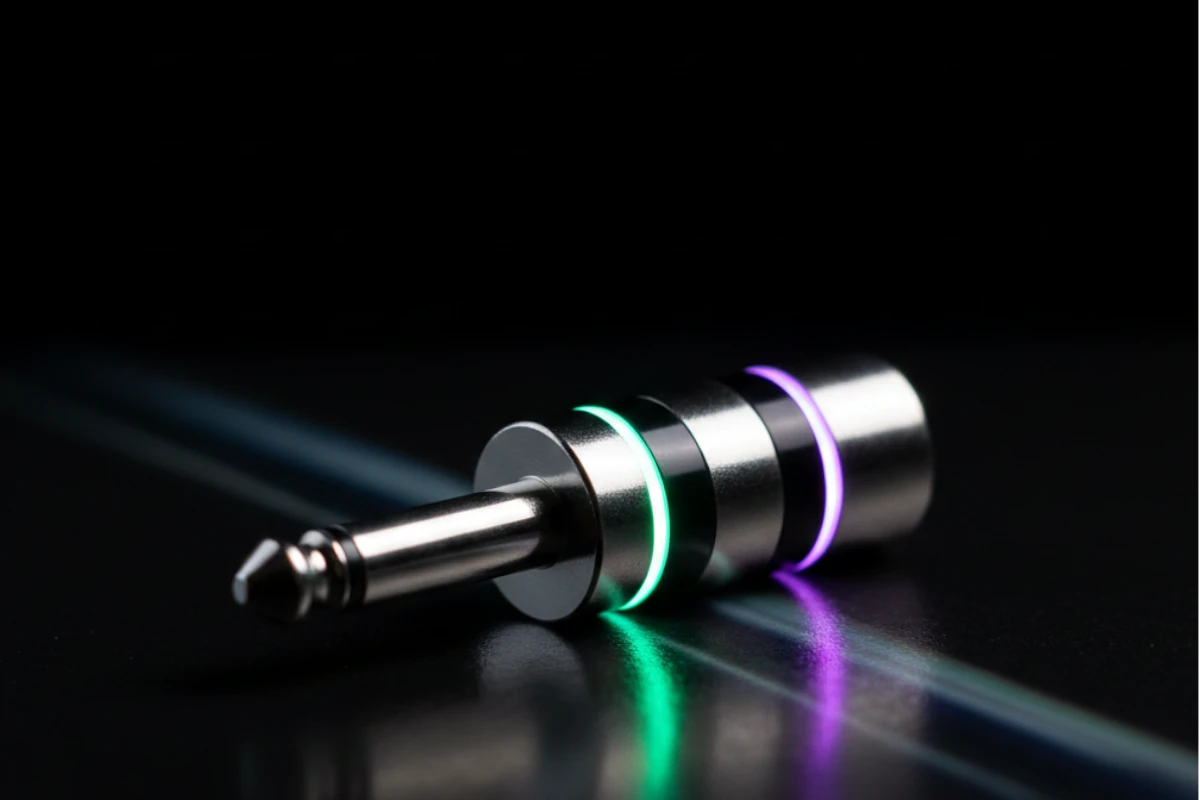
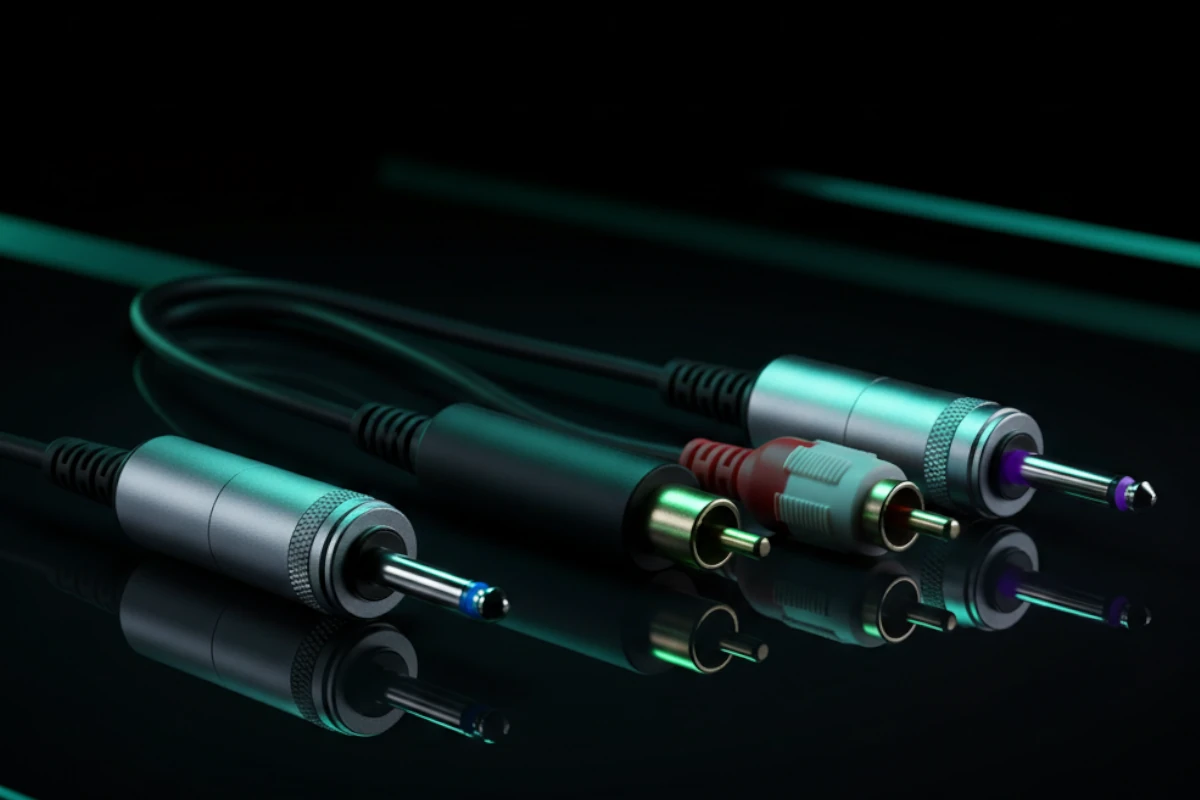
TS connector
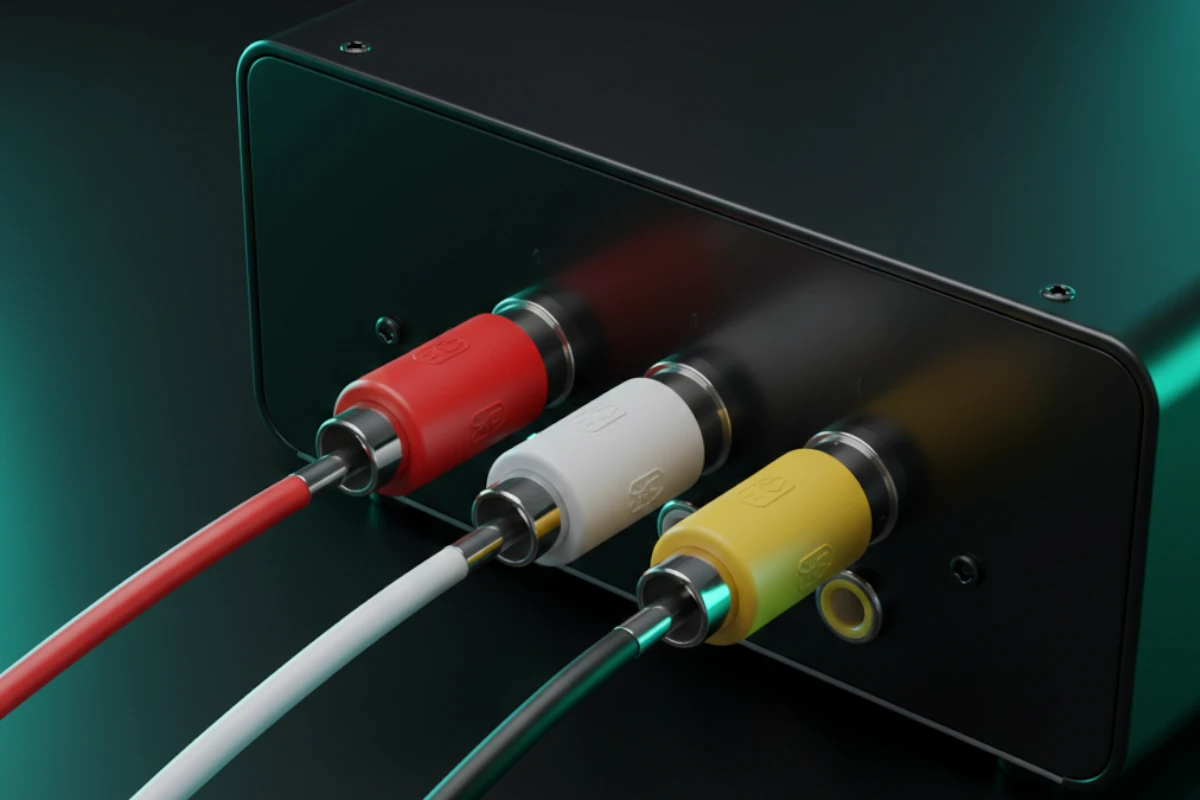
RCA Connectors
What: Consumer standard for unbalanced audio and video.
Uses:
Consumer audio equipment
Home theater
Video connections
Short cable runs
Color coding:
Red: Right audio channel
White: Left audio channel
Yellow: Video (composite)
Limitations:
Unbalanced (picks up noise)
Not for long runs
Consumer grade
Used for consumer equipment connections.
RCA connectors
When to use unbalanced connectors:
TS:
Instruments
Short cable runs (under 10 feet)
Consumer equipment
When balanced isn't needed
RCA:
Consumer audio/video
Home theater
Short connections
Consumer equipment
Choose based on your needs and equipment.
Digital Connectors
Digital connectors carry digital audio. Here's how they work.
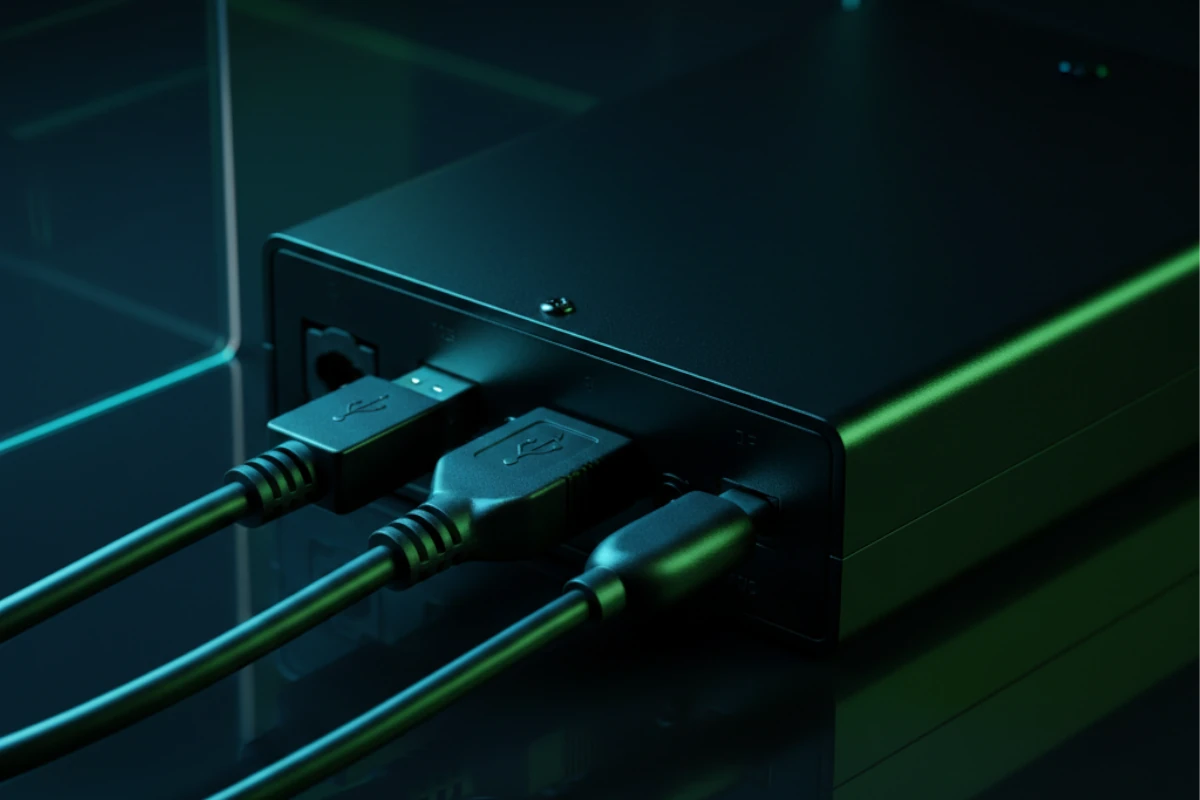
USB Connectors
What: Universal Serial Bus. Carries digital audio.
Uses:
Audio interfaces
USB microphones
USB speakers
Computer audio
Types:
USB-A: Standard connector
USB-B: Audio interfaces
USB-C: Modern devices
Mini-USB: Older devices
Used: For computer audio connections.
USB connectors
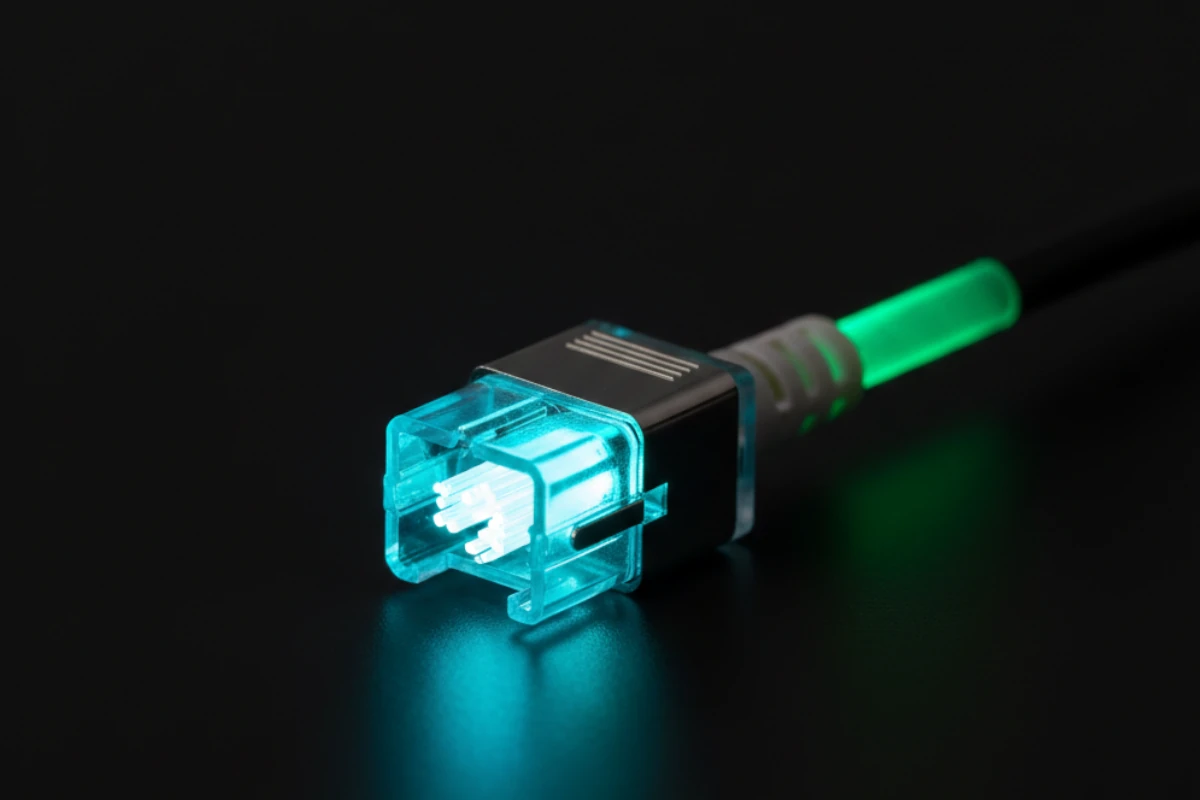
Optical/TOSLINK
What: Fiber optic connection. Digital audio only.
Uses:
Consumer audio
Home theater
Digital audio transmission
No electrical interference
Benefits:
No electrical interference
Clean digital signal
Good for longer runs
Consumer standard
Used: For consumer digital audio.
Optical TOSLINK
Speaker Connectors
Speaker connectors carry power. Here's how they work.
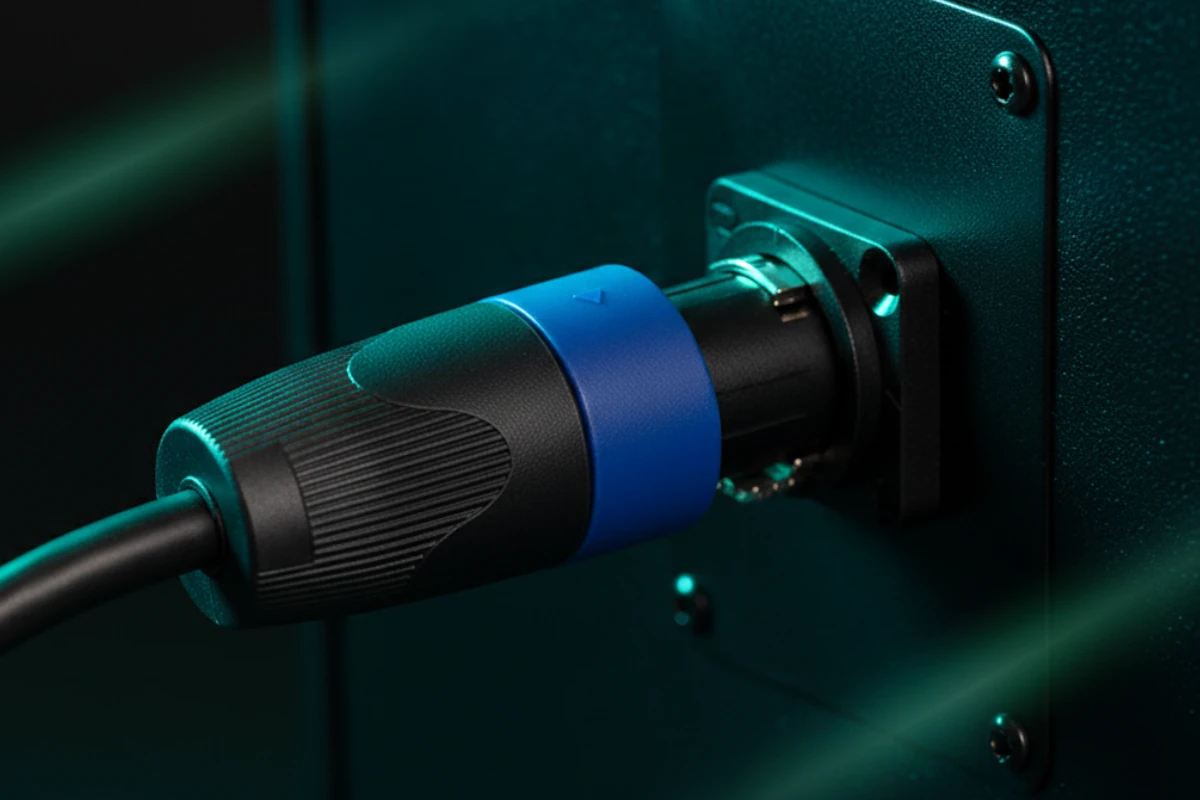
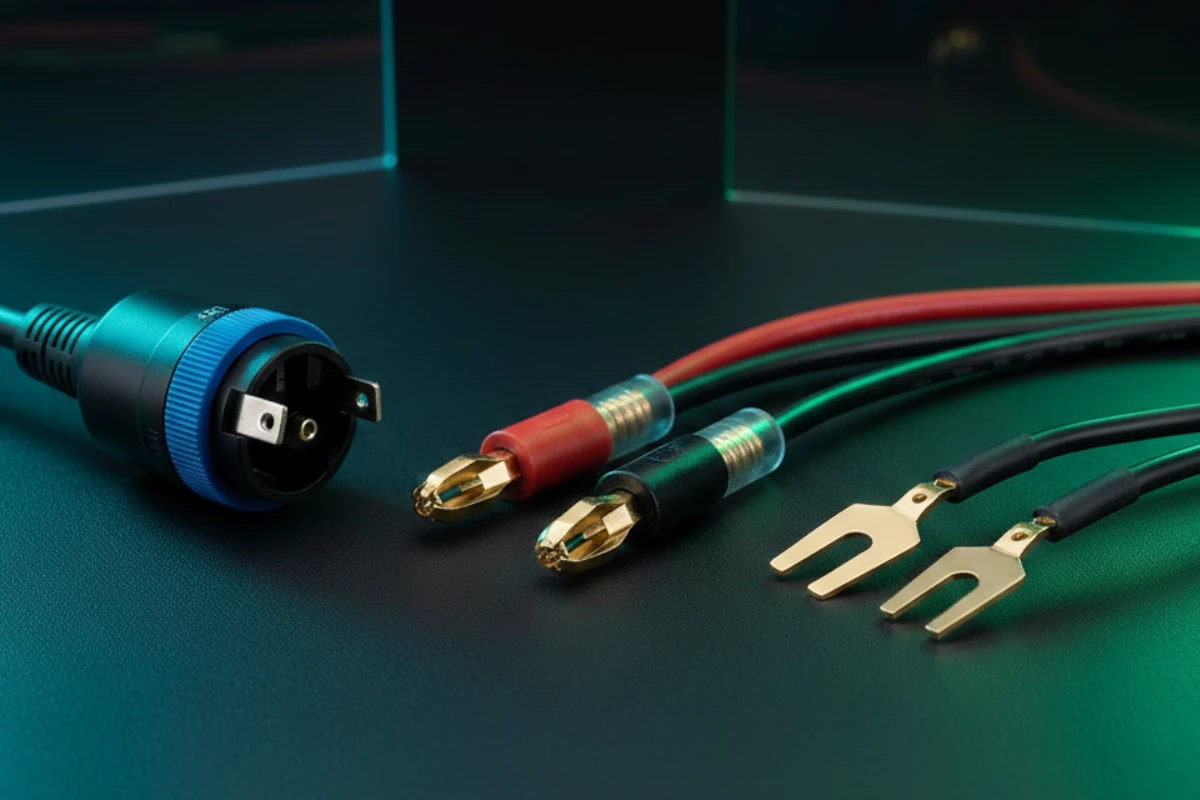
SpeakON Connectors
What: Professional speaker connector. Locking. High power.
Uses:
Professional speakers
High-power applications
Live sound
Reliable connection
Features:
Locking mechanism
High current capacity
Professional standard
Reliable
Used for professional speaker connections.
SpeakON connector
Banana Plugs
What: Spring-loaded connector. Easy connection.
Uses:
Home audio
Speaker connections
Easy installation
Consumer use
Features:
Easy to connect
Good contact
Consumer standard
Simple
Used: For home audio systems.
Spade Connectors
What: Fork-shaped connector. Screws to terminal.
Uses:
Speaker terminals
Amplifier connections
Secure connection
Professional use
Features:
Secure connection
High current capacity
Professional use
Reliable
Used for professional amplifier connections.
Speaker connectors comparison
When to use each:
SpeakON:
Professional speakers
High power
Live sound
Reliable needed
Banana plugs:
Home audio
Easy connection
Consumer use
Simple needs
Spade connectors:
Amplifier terminals
Secure connection
Professional use
High power
Choose based on your needs.
Professional Connectors (Phoenix)
Phoenix connectors are professional. Here's how they work.
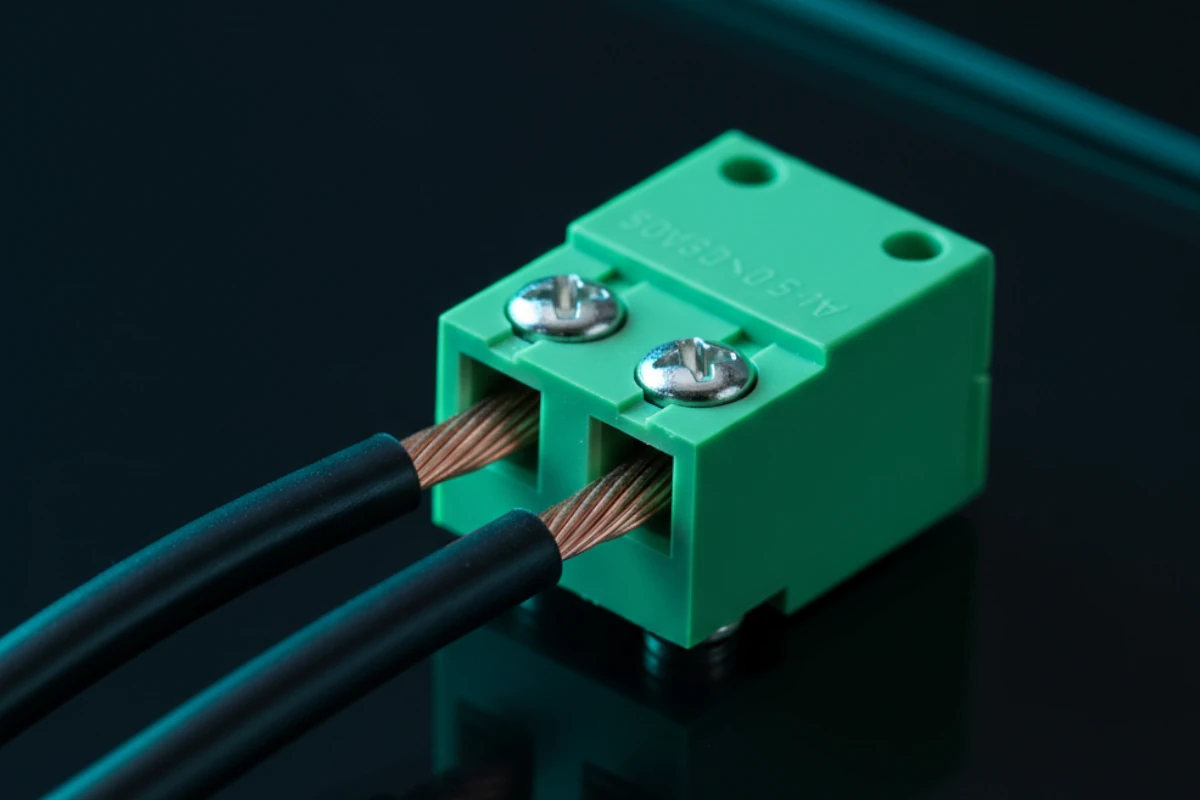
What are Phoenix connectors?
Terminal block connectors. Screw terminals. Professional installations.
Features:
Screw-down terminals
Reliable connection
Professional standard
Easy maintenance
Uses:
Professional audio equipment
Rack-mounted gear
Permanent installations
High-reliability needs
Used for professional installations.
Phoenix connector
Types:
2-pin Phoenix:
Single channel
Simple connections
Common use
3-pin Phoenix:
Balanced audio
Three-wire system
Professional use
Multi-pin Phoenix:
Multiple channels
Complex systems
Professional installations
Used: Based on your needs.
Benefits:
Reliable:
Screw-down connection
Won't come loose
Professional quality
Maintainable:
Easy to access
Easy to repair
Easy to modify
Professional:
Industry standard
Rack-mounted equipment
Permanent installations
Used for professional systems.
Phoenix vs XLR Decision
When to use Phoenix:
Permanent rack installations
High-reliability needs
Easy maintenance access
Multiple channels in one connector
When to use XLR:
Portable equipment
Field use
Microphones
Standard professional connections
Choose based on installation type and needs.
Networked Audio (Dante)
Dante carries audio over network. Here's how it works.
What is Dante?
Audio over IP protocol. Carries audio over network cables. Digital audio networking.
How it works:
Audio converted to digital. Sent over network. Received and converted back. Like internet for audio.
Benefits:
Multiple channels over one cable
Long distances
Flexible routing
Scalable
Used: For large installations.
Dante Latency
What: Delay in audio transmission.
Typical latency:
1-5 milliseconds
Depends on network
Depends on equipment
Why it matters:
Affects live sound. Too much latency = noticeable delay. Must be low for live use.
Network requirements:
Quality switches
Proper network setup
Bandwidth planning
Low-latency switches for live sound
Ensures: Proper network setup for low latency.
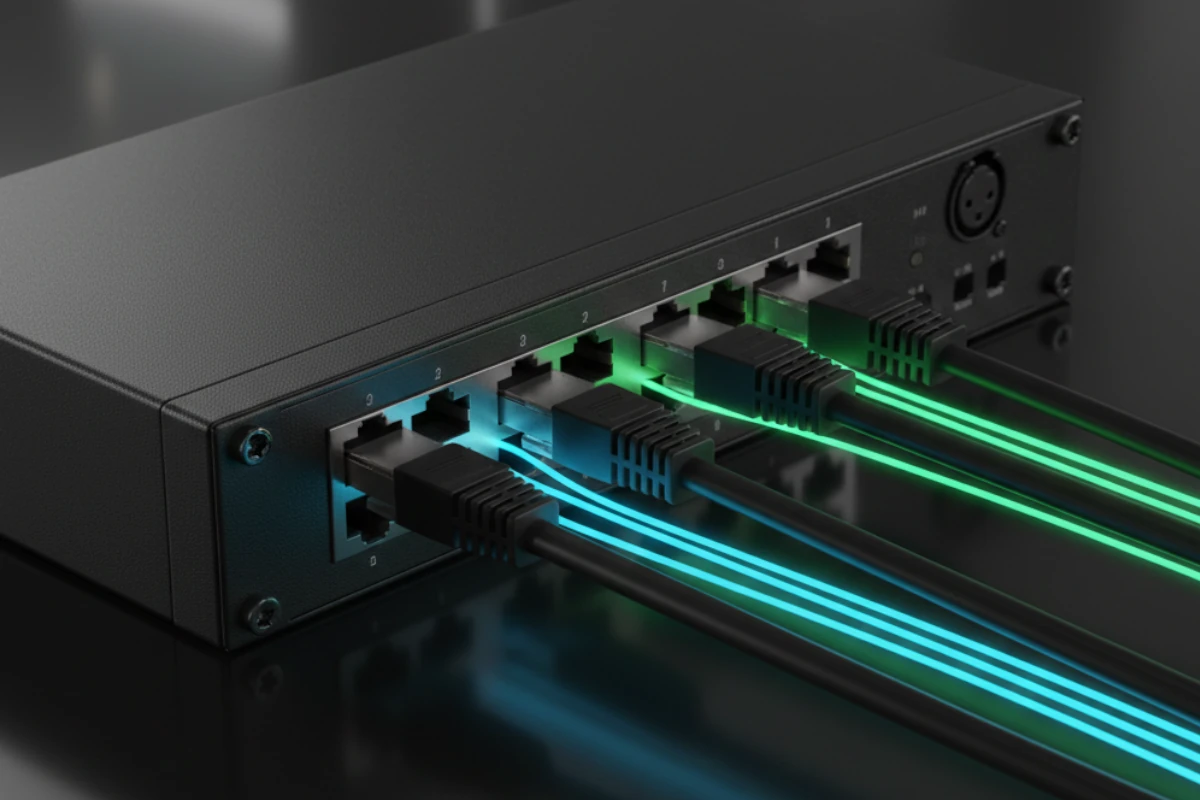
Dante network
Dante connectors:
Ethernet (RJ45):
Standard network cable
Carries Dante audio
Same as computer network
Network switches:
Route audio
Like network switches
Professional grade
Used: Standard network infrastructure.
Applications:
Large venues:
Multiple zones
Long distances
Many channels
Flexible routing
Commercial installations:
Multiple rooms
Centralized equipment
Easy expansion
Professional quality
Used: For complex systems.
Benefits over traditional:
Fewer cables:
One network cable vs many audio cables
Easier installation
Cleaner look
Flexible routing:
Route audio anywhere
Software control
Easy changes
Scalable:
Add channels easily
Expand system
Future-proof
Used: When it makes sense.
Connector Selection Guide
Choose the right connector. Use the decision guide.
Decision factors:
Signal type:
Balanced? Use XLR or TRS
Unbalanced? Use TS or RCA
Digital? Use USB, HDMI, optical
Cable length:
Long runs? Use balanced (XLR, TRS)
Short runs? Unbalanced OK (TS, RCA)
Equipment:
Professional? Use XLR, TRS
Consumer? Use RCA, 1/8"
Networked? Use Dante
Use the selection guide to choose.
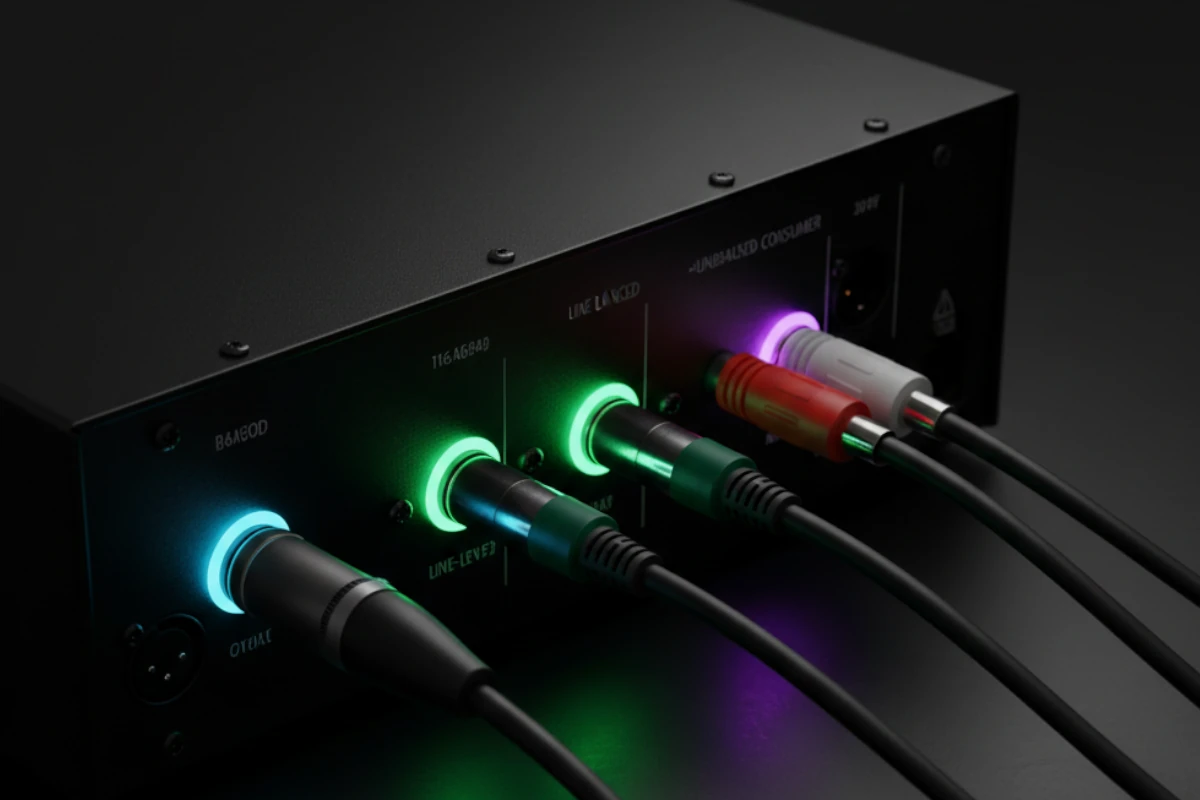
Connector selection
Quick reference:
Microphones:
Professional: XLR
USB mics: USB
Consumer: 1/8" or USB
Line-level audio:
Balanced: XLR or TRS
Unbalanced: TS or RCA
Speakers:
Professional: SpeakON
Home: Banana plugs or spade
Amplifier: Spade or SpeakON
Digital audio:
Computer: USB
Home theater: HDMI, optical
Professional: Dante
Choose based on your needs.
Best practices:
Match equipment:
Use what equipment has
Don't force mismatches
Use adapters when needed
Quality matters:
Good connectors = better sound
Cheap connectors = problems
Invest in quality
Used: Quality connectors always.
Connection Conversion Guide
Sometimes you need to convert. Here's how.
Why convert?
Equipment has different connectors. Need to connect them. Adapters make it possible.
Convert safely using proper methods.
Common conversions:
XLR to TRS:
Balanced to balanced
Use adapter or cable
Maintains balanced signal
Common conversion
XLR to TS:
Balanced to unbalanced
Loses balanced benefit
Works but not ideal
Use when needed
TRS to RCA:
Balanced/unbalanced to unbalanced
Use adapter
May lose balanced benefit
Consumer equipment
RCA to 1/8":
Unbalanced to unbalanced
Simple adapter
Consumer use
Common conversion
Connector adapters
Digital conversions:
USB to analog:
Audio interface needed
Converts digital to analog
Professional solution
Quality conversion
Optical to coaxial:
Digital to digital
Format converter needed
Maintains digital quality
Consumer use
Used: Appropriate converters.
Important considerations:
Signal level:
Line level vs mic level
Match levels correctly
Use transformers when needed
Balanced vs unbalanced:
Converting loses balanced benefit
Use balanced when possible
Accept trade-off when needed
Active vs passive adapters:
Passive adapters:
Simple connection
No power needed
May lose signal level
Fine for most uses
Active adapters:
Powered circuit
Maintains signal level
Better quality
More expensive
Choose based on needs and signal requirements.
Conversion best practices:
Use quality adapters:
Good adapters = better sound
Cheap adapters = problems
Invest in quality
Minimize conversions:
Each conversion can degrade signal
Use direct connection when possible
Convert only when needed
Test after conversion:
Verify signal quality
Check for noise
Ensure proper level
Test all conversions.
Installation Best Practices
Install connectors properly. Here's how.
Best practices:
Clean connections:
Keep connectors clean
Remove dirt and corrosion
Ensure good contact
Proper seating:
Seat connectors fully
Lock XLR connectors
Verify connection
Cable management:
Route cables properly
Protect from damage
Organize neatly
Ensures: Proper installation.
Maintenance:
Regular checks:
Inspect connectors monthly
Clean when needed
Replace if damaged
Regular maintenance keeps systems working.
Conclusion
You now understand all audio connectors. Choose based on your needs.
Key Takeaways:
Balanced connectors (XLR, TRS) reduce noise
XLR pin polarity matters (Pin 2 Hot standard, check for phase issues)
Connector gender prevents errors (male vs female)
TRS insert points for effects loops (Tip = send, Ring = return)
Unbalanced connectors (TS, RCA) for short runs
Digital connectors (USB, HDMI, optical) for digital audio
Speaker connectors (SpeakON, banana, spade) for power
Phoenix connectors for permanent installations (vs XLR for portable)
Dante for networked audio (low latency for live sound)
Connector maintenance prevents problems (clean regularly, replace when worn)
Choose based on your needs
Convert safely when needed (active vs passive, transformer isolation, level matching)
Why it matters:
Right connector = clean signal. Wrong connector = problems. Understanding connectors helps you avoid issues.
This knowledge applies to installations.
Next steps:
Review electronics (previous post - balanced audio uses XLR connectors, signal levels, impedance matching)
Review physics (foundation post - impedance, power, signal flow)
Explore more topics
Understanding connectors helps you make decisions.
Continue Learning
Previous post: Audio System Electronics (balanced/unbalanced, ground loops, troubleshooting - balanced audio from that post uses XLR connectors covered here)
Foundation post: Audio Systems Physics (scientific foundation - impedance and power concepts apply to connectors)
More topics: Explore our blog for more insights